UI Screenshots - SMS Consent
Initial Onboarding Phone Number Verification Flow
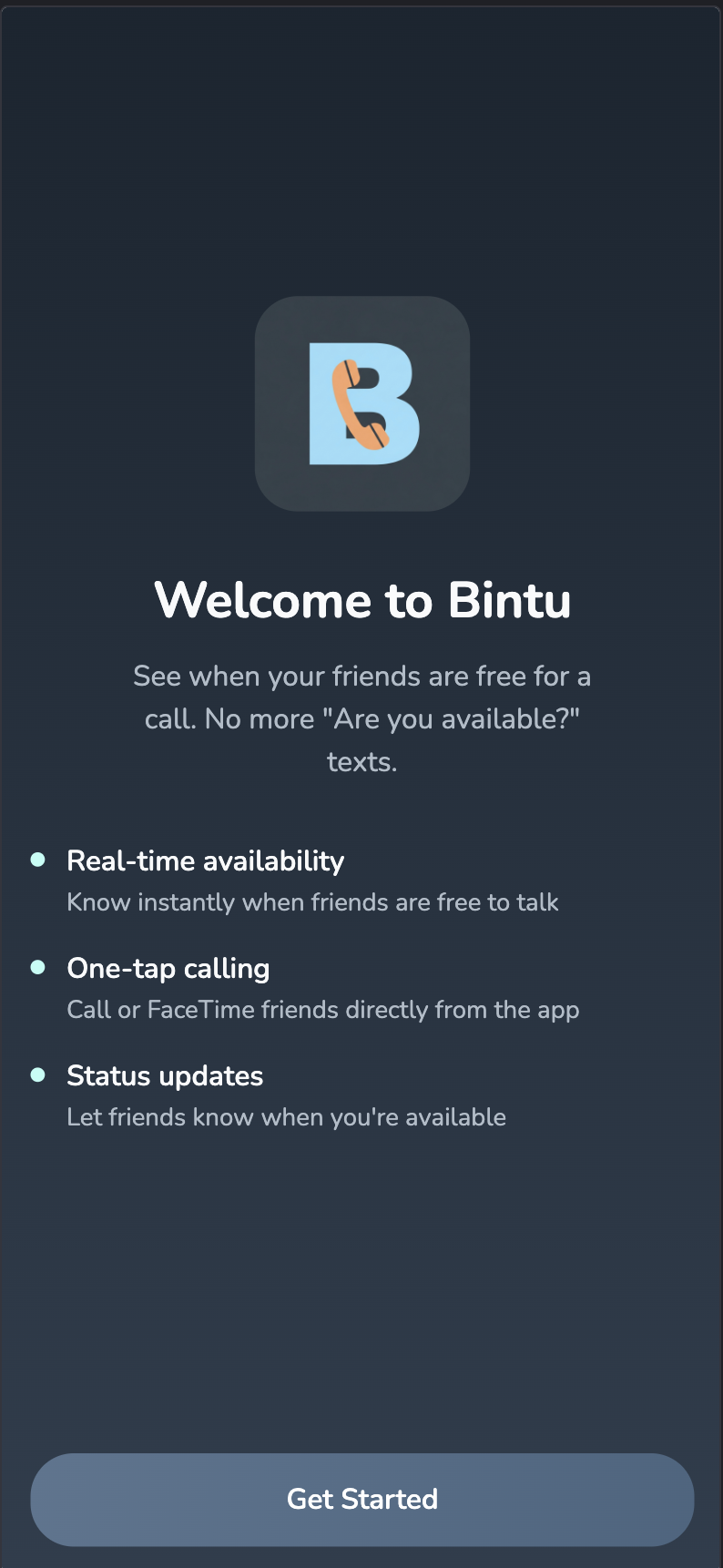
Welcome Screen When Opening the App For the First Time
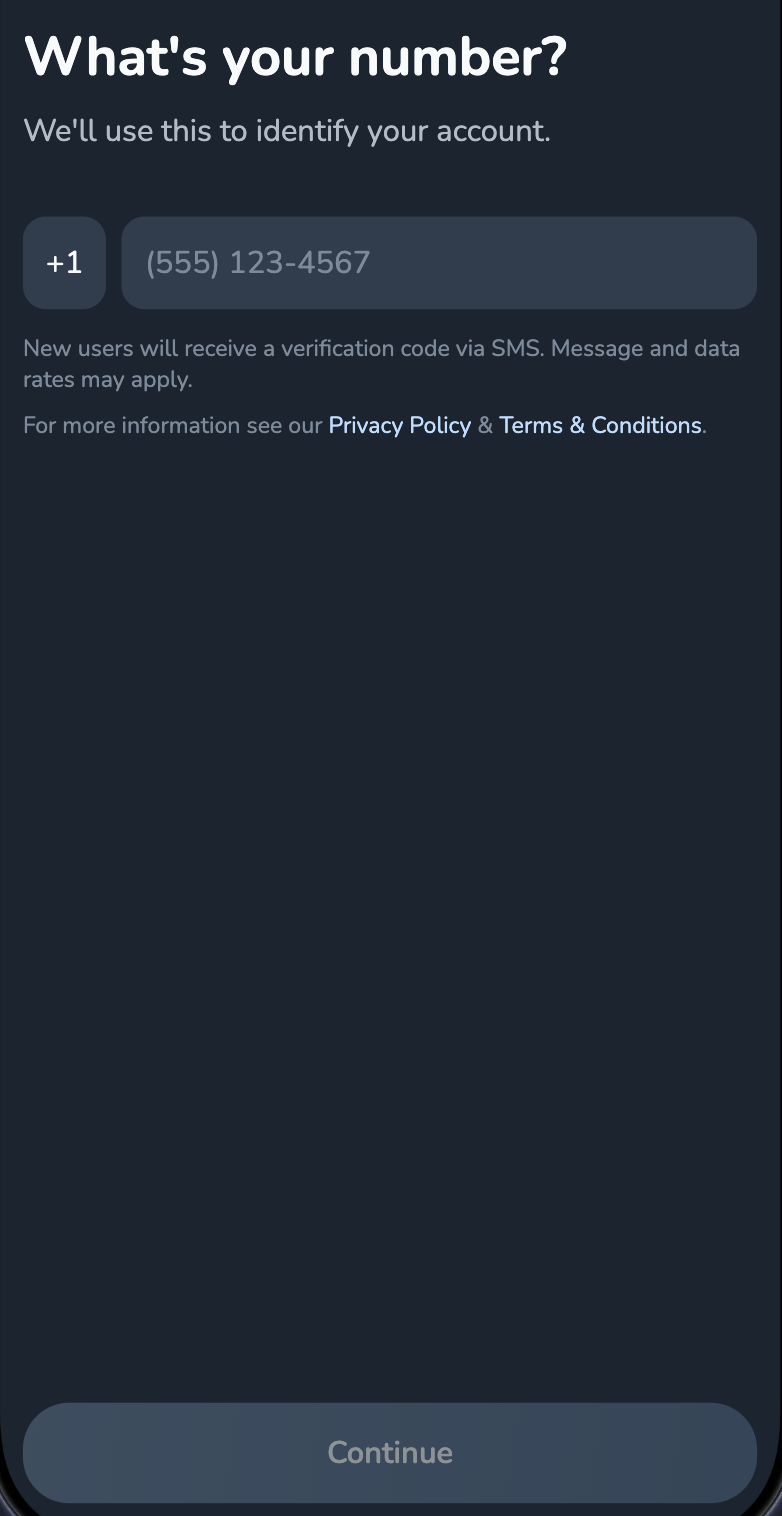
Users then enter their phone number and are advised that first time users will receive an SMS verification
Forgot Password Verification Flow
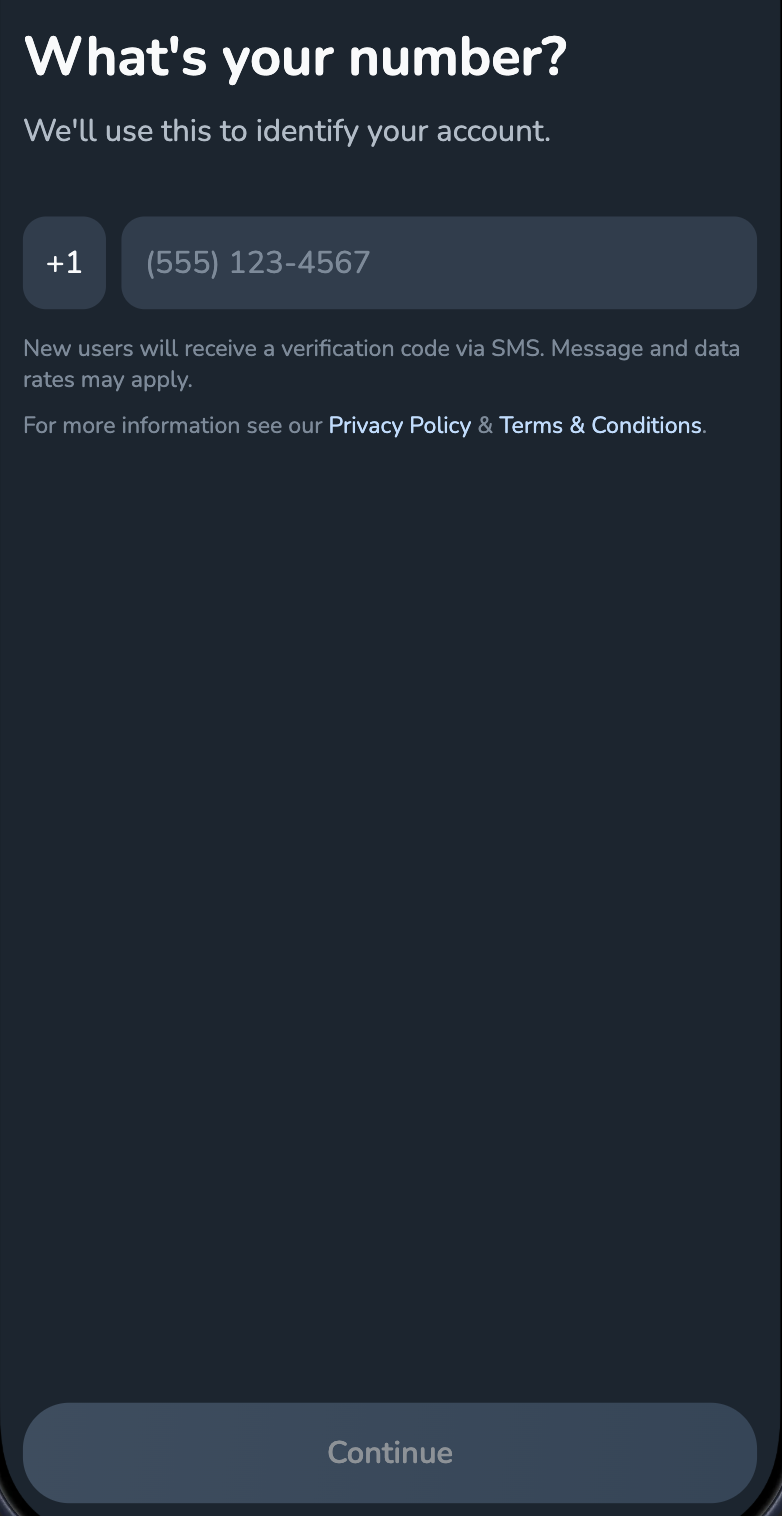
When logging back in a user first enters their phone number
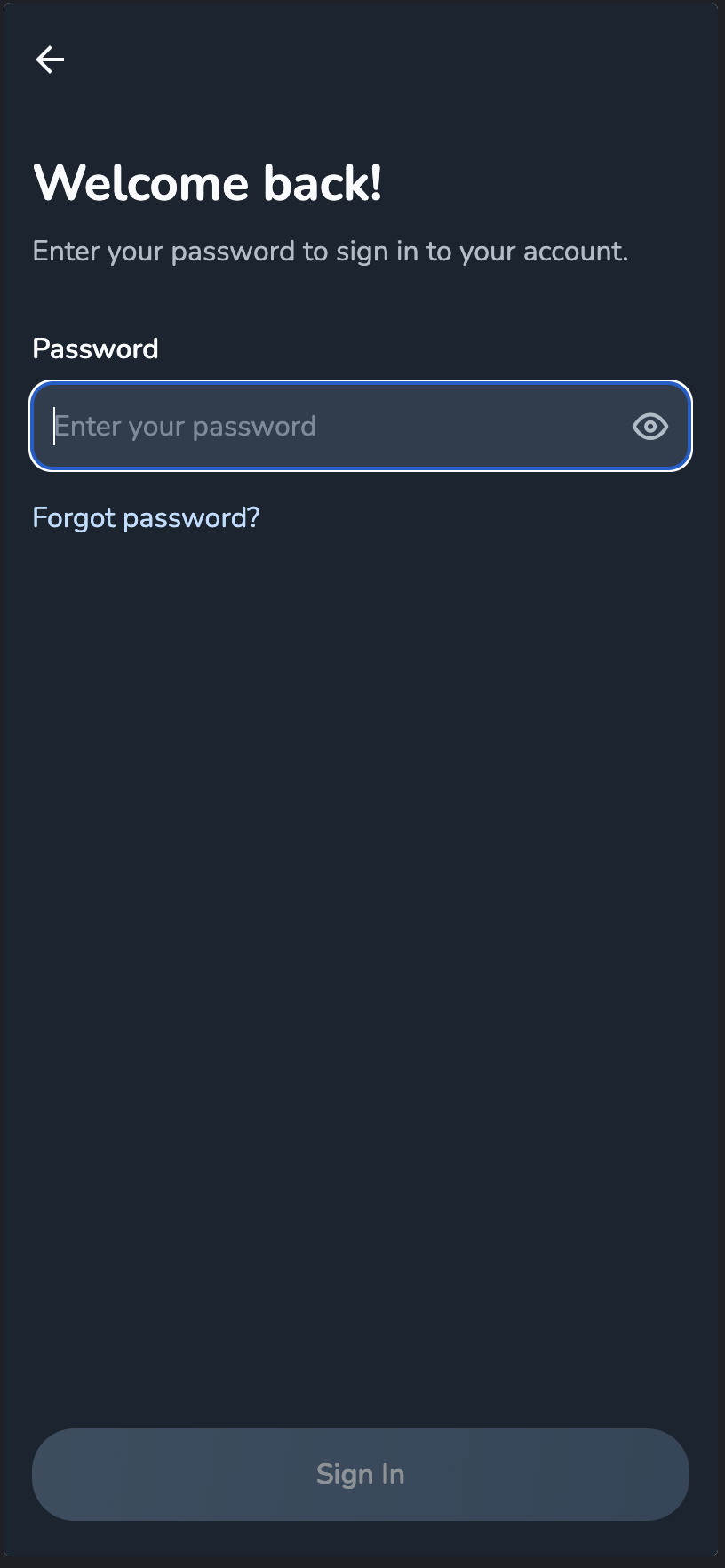
They are then asked for their password
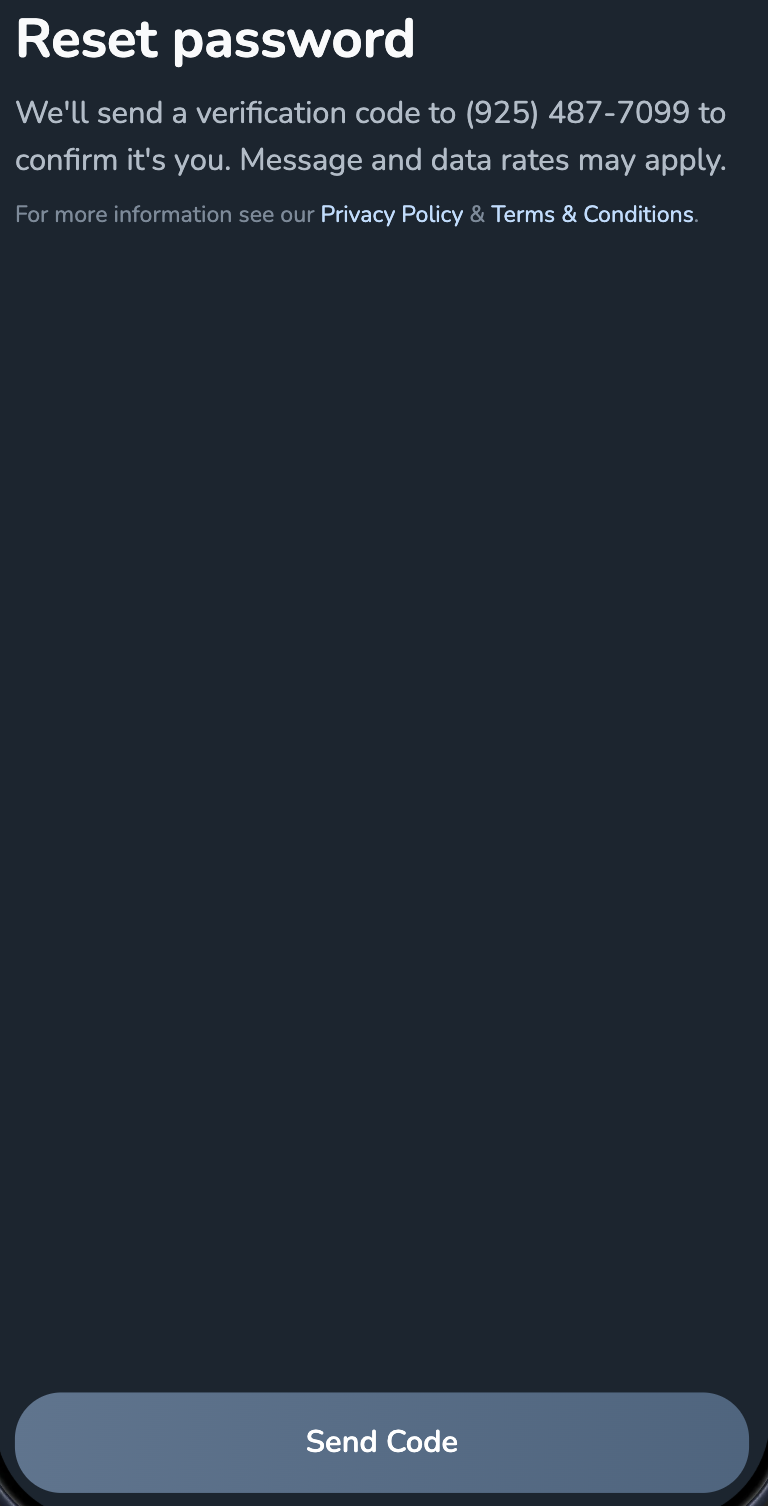
Clicking "Forgot Password" on the previous screen leads to this screen which states that a verification code will be sent to their number and this code is only sent once the "Send Code" button on this screen is clicked